Tech support, on-site and remote
Tech help from someone who explains.
Slow computer, broken Wi-Fi, a scam message, a hacked account. I sort it out, break down what happened so it makes sense, and never install junk or sell you something you don’t need.
Remote help anywhere · on-site across Gippsland · homes and small businesses
Why it’s different
Tech support shouldn’t come with an upsell.
Shop tech support often ends with a subscription. Call centres read from a script. And the relative who’s good with computers is busy, and doesn’t always leave things better than they found them.
You need someone who fixes the problem, explains it so it doesn’t happen again, and treats your privacy with care while they’re in your devices.
Sound familiar?
- Something isn’t working and you don’t know where to start.
- A message arrived that might be a scam, and you’re not sure what to do.
- Your computer or Wi-Fi has been slow for months.
- A new device needs setting up properly, without the bloatware.
The good news: Most problems are quicker to fix than they feel, once someone explains what’s actually going on.
If something’s gone wrong
Your first fifteen minutes, sorted.
Pick what happened. These are calm first steps you can take right now. Then get in touch, and we’ll sort out the rest together.
Do these first
You clicked a link or shared details
- Stop replying. Don’t call numbers or open links from the message.
- If card or bank details were shared, or money moved, call your bank’s fraud line now, using the number on the back of your card.
- Change the password for any account you entered, starting with your email. Use a different device if you can.
- Report it. In Australia: ReportCyber at cyber.gov.au and Scamwatch. IDCARE gives free support if your identity details were taken.
Do these first
You can’t get into an account
- Use the official recovery page. Type the web address yourself rather than following a link from a message.
- Check your email for “password changed” or “new sign-in” alerts, and act on them.
- If your email itself was taken over, recover that first. Most other accounts reset through it.
- Once you’re back in: a new password, two-factor sign-in, and a check for forwarding rules and unknown devices.
Do these first
You’ve lost your phone or laptop
- Locate it, lock it, or put a message on screen with Apple’s Find My, or Google’s Find Hub (previously Find My Device).
- If it holds sensitive information and won’t turn up, erase it remotely.
- Change the passwords for accounts it was signed in to, starting with email and banking.
- Lost a phone? Ask your mobile carrier to suspend the SIM, so nobody can use your number for sign-in codes.
Do these first
Your computer is acting strangely
- If someone might have remote control (the mouse moving on its own, or a “support” caller you let in), turn off Wi-Fi or unplug the network cable now.
- Don’t sign in to banking or type passwords on it until it’s been checked.
- Write down what happened and any messages on screen. A photo of the screen is fine.
- Get it checked before you use it for anything important.
- Tell me what’s happening Use the form below, and say if it’s urgent.
- We connect securely A screen share you can watch, and end at any moment.
- Fixed and explained No remote access is left behind.
How it works
Fixed, explained, and back to normal.
Tell me what’s happening
Use the form below. If it’s urgent, say so and it gets priority.
Remote or on-site
We pick whichever gets it fixed fastest.
I fix it and explain
What went wrong, what I changed, and how to avoid it next time.
Back to normal
Tested before we finish. If it comes back, tell me.
For the technically curious
Under the hood
The technical detail, for anyone who wants it.
What do you support?
Windows, macOS, Linux, iPhone, iPad and Android, plus home networks, printers and most everyday devices.
How does remote help work?
You join a secure screen-sharing session. You see everything that happens, you can end it at any moment, and no remote access is left behind when we finish.
Can you recover a hacked account?
Often, yes. We work through the provider’s official recovery process, secure the email account first, change passwords from a clean device, turn on two-factor sign-in, and check for forwarding rules or unknown sessions left behind.
Do you fix hardware?
I diagnose hardware and give honest repair-or-replace advice. For component-level repairs, I refer you to a trusted specialist.
Will you install antivirus?
Only if it’s genuinely needed. Windows and macOS include solid built-in protection. The bigger wins are updates, a password manager and two-factor sign-in.
Free guide
Not ready to talk? Start with five quick wins.
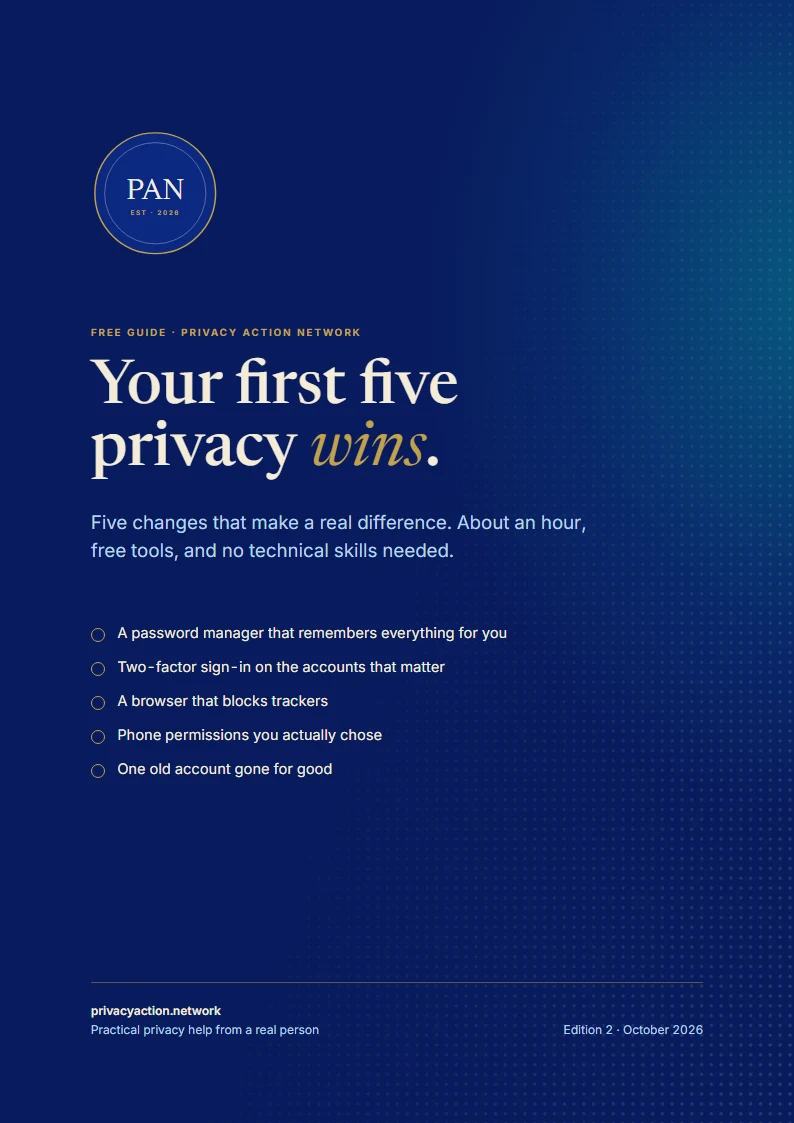
A free guide to five changes that make a real difference, in about an hour, with free tools and no technical skills needed.
- A password manager, set up in 15 minutes
- Trackers blocked, phone permissions back in your hands
- Every step broken down, with a check for when it’s done
Email me a copy
The link, sent to your inbox to keep. One email, and nothing more unless you tick the box.
Good to know
Questions people ask
Something else on your mind? Ask it in the form below. Every enquiry gets a personal reply.
Do you support businesses?
Small businesses and sole traders, yes. For larger organisations that need managed IT, I can help you find the right fit.
How quickly can you help?
Remote help is usually quick to arrange. On-site visits depend on where you are in Gippsland and what’s already booked.
Is my information safe while you work?
Yes. I only look at what’s needed to fix the problem, I don’t keep copies of your files, and I’ll ask before opening anything personal.
Can you help with scams?
Yes. Start with the first steps above, then get in touch. We check what was shared, lock down the accounts involved and report it where it helps.
Let’s get it sorted.
Tell me what’s going on. If it’s urgent, say so.