Privacy audits
Know exactly where you stand.
A check-up of your phone, accounts and online footprint, then a clear plan that puts the fixes in order. Three depths: start free in three minutes, go further with the extended round, or take the full audit through every layer.
Start free, in your browser · nothing installed · remote anywhere, on-site in Gippsland
Why start here
You can’t fix what you can’t see.
Every phone, app and account shares something by default. Most of it isn’t hidden on purpose. It’s switched on, spread across settings most people never open, and it adds up.
Advice online tends to be a list of tools. It can’t tell you which risks matter in your life, or what to fix first. An audit can.
Sound familiar?
- You’ve changed a few settings, but you’re not sure it made a difference.
- There are too many passwords to remember, so some get reused.
- You don’t know which apps can see your location, photos or contacts.
- You’d like more privacy without giving up the tools your family uses.
The good news: Most fixes are small, free and quick once you know which ones matter. The audit puts them in order, so you always know the next step.
What the audit covers
Your digital life, checked layer by layer.
The Privacy Action Network framework splits your tech into nine layers. The audit looks at each one, rates the risk and tells you what to change. Pick a layer to see what I look for.
Layer 1
Hardware & firmware
- What I check
- Your phones, computers and router: whether they still get security updates, and what’s connected to them.
- Example finding
- A laptop that no longer receives security updates.
- Typical fix
- Plan a replacement, or give it a second life with Linux.
Layer 2
Operating systems
- What I check
- Windows, macOS, iOS and Android settings: diagnostics, the advertising ID and location history.
- Example finding
- The advertising ID is on and location history is being saved.
- Typical fix
- Ad tracking off, and location reviewed app by app.
Layer 3
Network
- What I check
- Home Wi-Fi, the router’s admin login, DNS, and how you use public Wi-Fi.
- Example finding
- The router still uses the admin password it came with.
- Typical fix
- A new admin password and up-to-date router firmware.
Layer 4
Communications
- What I check
- Email, text messages, messaging apps and calls.
- Example finding
- Private family conversations happen over ordinary text messages.
- Typical fix
- Move them to Signal, which encrypts messages end to end.
Layer 5
Applications, browsing & services
- What I check
- Your browser and its extensions, and the apps you use every day.
- Example finding
- Browser extensions that can read every site you visit.
- Typical fix
- Remove the ones you don’t use, and add a content blocker.
Layer 6
Data storage & encryption
- What I check
- Where your photos and documents live, how they’re backed up, and whether devices are encrypted.
- Example finding
- Years of family photos kept in a single cloud account.
- Typical fix
- A second, encrypted copy that you control.
Layer 7
Identity & authentication
- What I check
- Passwords, two-factor sign-in, account recovery, and what’s findable about you online.
- Example finding
- The same password on your email and a shopping site.
- Typical fix
- A password manager, unique passwords, and two-factor sign-in starting with email.
Layer 8
Financial privacy
- What I check
- Cards, payment apps, loyalty programmes and shopping accounts.
- Example finding
- Loyalty cards linking every purchase to your name.
- Typical fix
- Keep the ones worth it, and switch on privacy options where they exist.
Layer 9
AI
- What I check
- The AI tools you and your family use, and what gets pasted into them.
- Example finding
- Work documents pasted into a free AI chat with training switched on.
- Typical fix
- Change the data settings, and keep client details out.
- Hardware & firmwareMedium
- Operating systemsHigh
- NetworkMedium
- CommunicationsLow
- Apps, browsing & servicesHigh
- Storage & encryptionMedium
- Identity & sign-inHigh
- Financial privacyLow
- AIMedium
Fix first: 2 · 5 · 7, the biggest improvement for the least effort.
Household and community
One person can do this for everyone.
Most families have someone who gets asked about computers. Most groups have one too. The audit is built so that person can run it once, properly, for everybody. The framework treats that as a scale of its own, not a favour.
For your household
Phones, the home Wi-Fi, the shared accounts, the kids’ devices. One pass covers everyone under the roof, and the reasons get explained at the kitchen table instead of buried in a report.
For your group
A club, a committee, a local network. Someone runs it over the group’s accounts and its member list, so the group stops depending on one person’s memory, and one person’s inbox.
As something you trade
Walking a neighbour through their audit costs you an evening and is worth more than anything you could buy them. It is also how a local network gets built: people who know how, helping the people who don’t.
How it works
From “not sure” to a plan, tonight.
Take the free check
The light audit: a dozen questions on the framework page, then an extended round if you want more. No sign-up, and your answers are worked out in your browser.
Get your action list
Every layer that applies to you, in the order I’d tackle them, emailed once. Only your results are sent, never your answers.
Work through it
Each change comes with its steps and how long it takes. Do the ones that matter to you, at your own pace.
Ask when you’re stuck
If you can’t answer something, that is the moment to get a hand, from someone technical you know or from me.
For the technically curious
Under the hood
The technical detail, for anyone who wants it.
What is the difference between the check and the audit?
Depth, and whether it is yours. The check is the light audit: a first pass over the nine layers that tells you where you stand and what to do first. The extended round asks more and sharpens the plan. Both are free, and both are sound general privacy practice. Your framework, in the members’ area, is the one fine-tuned to your own answers: it goes through every facet of every layer, changes as you work through it, and exports so it is yours to keep.
Is the audit a scan of my devices?
No. Nothing is installed and nothing scans your devices. The audit is a structured set of questions, plus checks that can be run on screen: settings, app permissions, and what is publicly findable about you.
How are the risks rated?
Each finding is rated by how likely it is to be used against you and how much harm it could do. The fixes are then ordered so the biggest improvement for the least effort comes first.
How big does this work for?
It is built for individuals, households, small businesses and community groups, and at those scales the audit you run yourself is meant to be as thorough as one I’d run by hand. Larger than that, with staff and compliance duties and an IT department, it becomes a different piece of work. Ask, and I’ll tell you honestly which side you are on.
What’s a trust protocol?
Alongside the nine layers, the framework has seven trust protocols, from 6 · Harm reduction (everyday life with mainstream tools, set up more safely) down to 0 · Isolation. Most people start at 6 and step down only when their situation calls for it. The audit shows where you are and the next realistic step. Nobody needs to reach 0.
What happens to my answers?
The check and the extended round are worked out in your browser, and nothing is sent unless you ask for your action list, which sends your results and never your answers. For a full audit the answers are used to write your report and then deleted. The report is yours. Nothing is shared, sold or reused.
Does it cover AI tools?
Yes, that’s Layer 9: which AI tools you and your family use, what gets pasted into them, and the settings that decide how long it is kept.
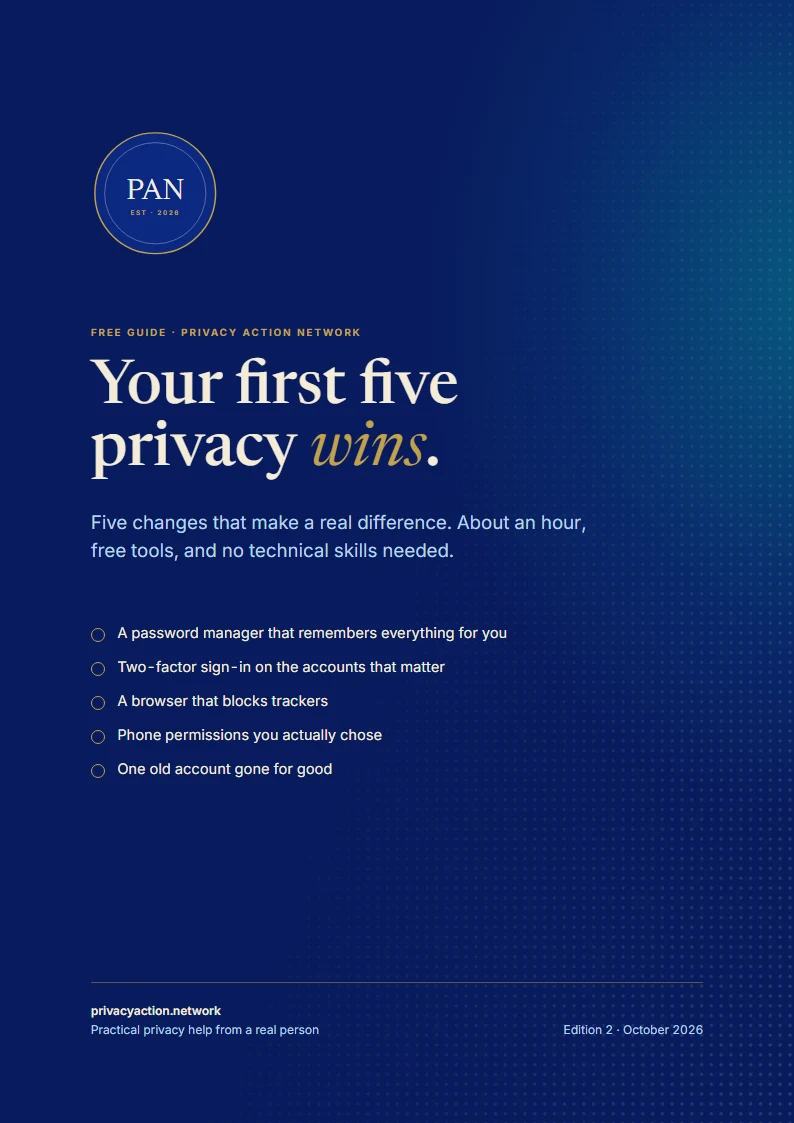
Free guide
Not ready to talk? Start with five quick wins.
A free guide to five changes that make a real difference, in about an hour, with free tools and no technical skills needed.
- A password manager, set up in 15 minutes
- Trackers blocked, phone permissions back in your hands
- Every step broken down, with a check for when it’s done
Email me a copy
The link, sent to your inbox to keep. One email, and nothing more unless you tick the box.
Good to know
Questions people ask
Something else on your mind? Ask it in the form below. Every enquiry gets a personal reply.
Do I need to be technical?
No. The questions and the steps are written for everyday people, and each one says what to do and why. Where a question needs something you don’t know, that is exactly where to ask someone: a technical friend, or me.
How long does it take?
The free check takes about three minutes and the extended round about ten. The full audit runs one to two hours depending on how many devices and accounts you have.
Why not just do it all for me?
Because then you have a tidier setup and no idea how it works. The habits are what hold privacy up over time, and nobody can hand those to you. Help exists for the parts you genuinely can’t answer, not for the parts you’d learn from.
What happens at a workshop?
There are two kinds. An information workshop is an afternoon on what’s going on and where you’re exposed, and you leave with a plan and a workbook. A hands-on session takes one outcome, such as a password manager set up on your own phone, and you leave with it working. Hands-on sessions run when enough people ask for one.
Can we do it remotely?
Yes. Everything works over a video call, wherever you are. On-site visits are available in Gippsland.
Can I do this for my whole family, or my group?
Yes, and usually that is the better answer: one person runs it for everybody. There is a section above on doing exactly that.
Is this about going off-grid?
No. Privacy is a spectrum. The plan moves you from where you are to somewhere meaningfully better, keeping the tools that matter to you.
Let’s find out where you stand.
The check is free and takes three minutes. If you’d rather ask first, the form below comes straight to me.