For small businesses
Protect your business, and the people who trust you.
Customer details, invoices and accounts are worth stealing, and small businesses rarely have anyone watching. The steps that stop the most common attacks are simple, and many are free. Here they are, in order.
Free, easy-to-follow steps · for sole traders and small teams · help there if you want it
Why it matters
A small business holds other people’s information.
Customer details, invoices and client files are worth protecting, and most small businesses have no IT department to notice when something goes wrong.
Criminals count on it. Fake invoices, changed bank details and hacked email accounts cost businesses money every day, and the usual tools can quietly collect data about your customers too.
Sound familiar?
- Everyone signs in to the same account, with the same password.
- Your website loads things from Google and Facebook that you never set up.
- Staff paste client details into ChatGPT to save time.
- If your email went down tomorrow, work would stop.
$56,600
the average cost of a cybercrime reported by a small business in 2024–25, up 14% on the year before
Source: ASD Cyber Threat Report 2024–25
$166.8 million
reported lost in 2025 to payment redirection scams: fake invoices and changed bank details
Source: National Anti-Scam Centre, 2026
Every 6 minutes
on average, someone reported a cybercrime to the Australian Signals Directorate in 2024–25
Source: ASD Cyber Threat Report 2024–25
The good news: The steps that stop the most common attacks are simple, and they can be done one at a time without stopping work.
What to do
The small business essentials, in the order that matters.
Nine steps for sole traders and small teams. The first three are the biggest wins, and take an afternoon. Open each one for how to do it, and tick it off when it’s done.
Tick “Done” as you finish each step. Ticks stay on this screen: nothing is sent, and they clear when you leave.
This week An afternoon
Layer 7 · Identity & sign-in
Two-step sign-in on email and banking
A hacked business email is how fake invoices get sent in your name, and how other accounts get taken over.
How to do it
- Turn it on for email, banking, accounting software and wherever your website’s domain is registered.
- Use an authenticator app or a security key where the service allows it.
- Keep the recovery codes somewhere safe that isn’t the same inbox.
Layer 8 · Financial privacy
Check bank details by phone, every time
Payment redirection scams put new bank details on a real-looking invoice or email, and money sent to the wrong account is hard to get back.
How to do it
- Before paying a new or changed bank account, call the supplier on a number you already have.
- Tell customers that you’ll never change your bank details by email alone.
- Put the rule in writing for anyone who pays bills.
Preventing business email compromise (small business hub, cyber.gov.au)
Layer 1 · Hardware & firmware
Updates on, old devices out
Many attacks use holes that already have a fix, on computers, phones and websites alike.
How to do it
- Turn on automatic updates for computers, phones, and your website and its plugins.
- Retire any device that no longer gets security updates.
This month A few hours
Layer 7 · Identity & sign-in
A sign-in for every person
With shared logins you can’t tell who did what, or cut off someone who leaves.
How to do it
- Give each person their own account wherever the service allows it.
- Keep the accounts you must share in a business password manager, not a spreadsheet.
- Write a leaving checklist: accounts closed, shared passwords changed, devices returned.
Layer 6 · Storage & encryption
Backups you’ve tested
Ransomware and failed laptops are survivable with a backup, and can end a business without one.
How to do it
- Back up business files automatically, with one copy kept offline or separate from your main account.
- Restore a file once a quarter to prove the backup works.
Your customers
Know what customer data you hold
You can’t protect data you don’t know you have, and holding less means less to lose.
How to do it
- List what you collect about customers, where it’s kept and who can see it.
- Stop collecting what you don’t use, and delete what you no longer need.
- Check whether the Privacy Act applies to you: most small businesses aren’t covered, but some are, whatever their size.
When you’re ready At your own pace
Layer 9 · AI
Agree rules for AI tools
Client details pasted into an online AI tool can be stored by the company, and on some plans used to train its models.
How to do it
- Agree what nobody pastes in: client, health and financial details.
- Check each tool’s data settings, and prefer plans that don’t train on your data.
- Read the free guide below before AI starts acting on your computer.
Layer 5 · Apps, browsing & services
A website that doesn’t track your visitors
Analytics scripts and advertising pixels send your customers’ browsing to other companies.
How to do it
- Open your site in Firefox with the uBlock Origin extension, and look at what it blocks.
- Remove what you don’t use, and swap tracking analytics for a cookie-free option.
When things go wrong
A plan for a bad day
Knowing who to call saves hours, and money, when email is hacked or files are locked.
How to do it
- Write down who to call: your bank, whoever looks after your IT, and ASD’s Australian Cyber Security Hotline on 1300 CYBER1 (1300 292 371).
- Keep a printed copy, where a locked computer can’t hide it.
Free tools
Free tools for a small team.
From PAN, and from the government services whose job is keeping Australian businesses safe online.
Free · PAN
The privacy check
Answer it for your business: where you stand across nine layers, and your first three steps.
Free · Australian Government
Small business hub
The Australian Signals Directorate’s guides, checklist and how-tos for Apple, Google and Microsoft.
Free · Australian Government
Cyber health check
A basic, anonymous security check for small businesses, in under five minutes.
Free · OAIC
Does the Privacy Act apply?
Who’s covered, the exceptions for small businesses, and a checklist to find out.
Free · PAN
Your digital footprint
What a stranger could find about you and your business, including public business records.
Free · PAN
Help now
Something’s already gone wrong? Calm first steps, in order, and who to call.
Free guide
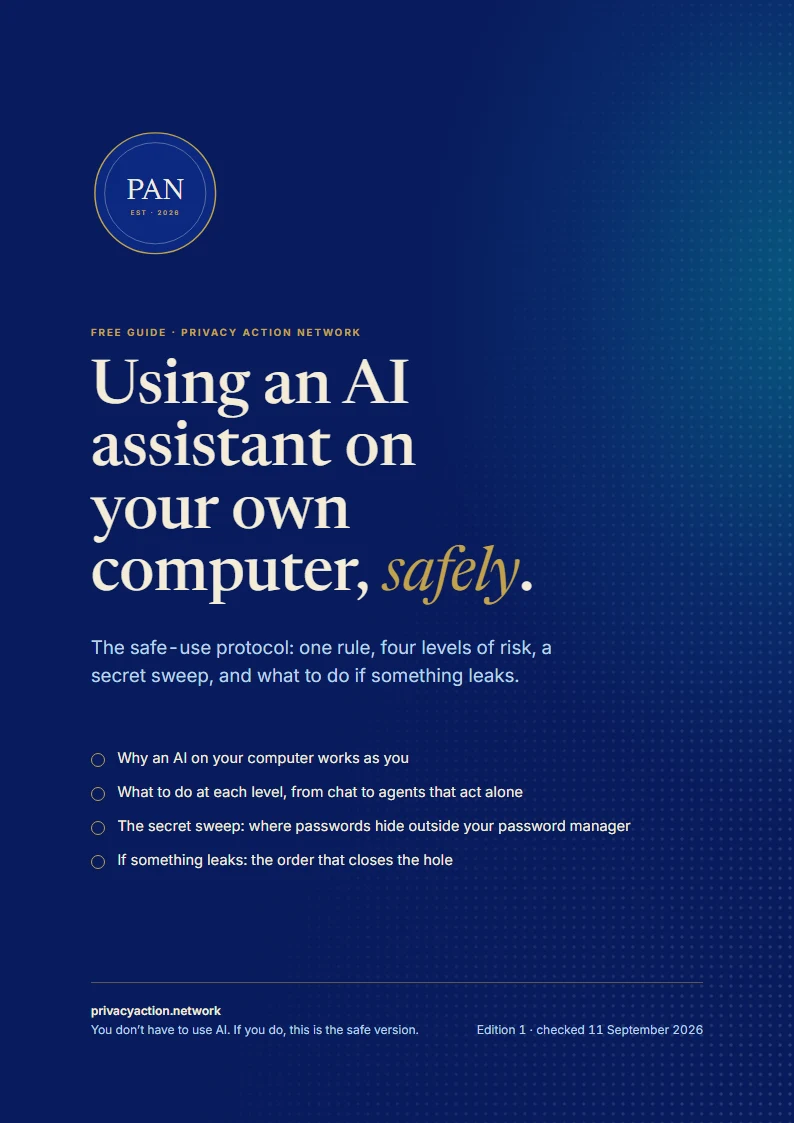
Using AI already? Get the safe-use protocol.
A free guide to using AI assistants without handing over your secrets: one rule, four levels of risk, and exactly what to do at each.
- Why an AI on your computer works as you
- What to do at each level, from chat to agents that act alone
- A secret sweep, and what to do if something leaks
Email me a copy
The link, sent to your inbox to keep. One email, and nothing more unless you tick the box.
Help if you want it
Rather hand some of it over? Help is here when you want it.
Everything above can be done in-house. If you’d rather someone set it up properly, or look after it for you, that’s what I do.
Websites
A fast website with no tracking scripts, built and looked after for you, and still easy to find.
Safe & private AI
Rules your team can follow, tools that keep client data private, and local AI where it fits.
Secure devices & accounts
Separate sign-ins, a business password manager, backups, and moving off big tech when it makes sense.
Tech support
Someone to call for computers, phones, Wi-Fi and the odd emergency.
Sole traders and small teams · remote anywhere · on-site in Gippsland · a plan and a quote first
Good to know
Questions people ask
Something else on your mind? Ask it in the form below. Every enquiry gets a personal reply.
We’re tiny. Are we really a target?
Yes, though rarely by name. Many attacks are automated, or scams sent to thousands at once, so being small doesn’t protect you. Small businesses reported an average loss of $56,600 per cybercrime in 2024–25.
Does the Privacy Act apply to my business?
Most businesses with an annual turnover of $3 million or less aren’t covered, but some are whatever their size, such as health service providers and businesses that trade in personal information. The OAIC’s small business page has a checklist.
What’s the single most important step?
Two-step sign-in on your email. A hacked business email opens the door to fake invoices, password resets and your customers’ trust.
Can we keep using Google Workspace or Microsoft 365?
Yes. Set them up well: two-step sign-in for everyone, an account for each person, and sharing settings checked. Moving away is an option, not a requirement.
Can you do this for us?
Yes: sole traders, small teams and community groups, remote anywhere or on-site in Gippsland. Every job starts with a plan and a quote. How working with me works
Questions, or want it handled?
Ask a question, or tell me about your business and what you’d like help with. Every enquiry gets a personal reply.