Safe & private AI
Use AI without giving everything away.
AI can save real time, and it can quietly keep whatever you paste into it. I help you use it safely: the right settings, private AI on your own computer, and clear rules for what never goes in.
No hype · no pressure to use AI at all · remote anywhere, on-site in Gippsland
The catch
What you type into an AI doesn’t always stay between you and it.
Depending on the tool and its settings, conversations can be kept for months or years, read by human reviewers or used to train future models. Paste in a client’s details or a contract, and they go too.
That doesn’t mean avoiding AI. It means choosing the right tool for each job, setting it up properly, and knowing what stays out.
Sound familiar?
- You’ve pasted work into a free AI chat and wondered where it went.
- Your team uses AI tools, but nobody has agreed any rules.
- You’d like AI’s help, but not at the cost of your clients’ privacy.
- You’ve heard AI can run on your own computer and want to know if it’s worth it.
The good news: The right tool and a few settings keep private work private, and you keep everything AI is good for.
Where your words go
The same question, three very different journeys.
Pick a route to see where your words travel, then look at everyday examples sorted by whether they’re safe to paste.
Not for anything private
Privacy: low
- Youtype or paste
- The provider’s serversoften overseas
- Kept, reviewed or used for trainingdepending on the provider and your settings
Good for public information and general questions. Check the data settings, and switch off training where you can.
Fine for everyday work, once checked
Privacy: medium
- Youtype or paste
- The provider’s serversunder business terms
- Usually not used for trainingshorter retention, admin controls, terms checked
Good for everyday work, once the terms and settings are checked. Still keep passwords and other people’s sensitive details out.
Stays on your computer
Privacy: high
- Youtype or paste
- Your own computerthe model runs here
- Stays on the machineworks offline, nothing sent anywhere
Good for anything sensitive. The trade-off: slower and less capable than the biggest cloud models on ordinary hardware.
Safe to paste?
Fine
- A public web page or article
- Your own writing, with names taken out
- A spreadsheet formula or a recipe question
Think first
- Client or customer names
- Internal plans and prices
- Screenshots: check what’s in them
Keep out
- Passwords, keys and recovery codes
- Other people’s health or personal details
- ID documents, bank and card details
How it works
Clear rules, then confident use.
Tell me how you use AI
Or how you’d like to. The form below takes a minute.
I review your set-up
The tools, the settings, your hardware, and the kind of information that goes in.
We set it up safely
Settings changed, private tools installed, rules written: whichever you need.
You use it with confidence
Knowing what’s safe to share, with notes you and your team can come back to.
For the technically curious
Under the hood
The technical detail, for anyone who wants it.
What does “local AI” mean?
An open-weight language model downloaded once and run on your own computer with a tool such as Ollama. After the download it works offline, so your prompts and files never leave the machine.
What hardware does it need?
Smaller models run on a modern laptop with 16 GB of memory. Larger, more capable models want a recent graphics card, or an Apple Silicon Mac with plenty of memory. I’ll tell you honestly what yours can do before you spend anything.
Is local AI as good as ChatGPT?
For drafting, summarising and many everyday jobs, good local models come close. For the hardest reasoning, the largest cloud models still lead. Many people use both: local for anything sensitive, cloud for the rest.
What goes in an AI policy?
Which tools are approved, what must never be entered, who may connect AI to business systems, how its output gets checked, and what to do if something is shared by mistake.
Can an AI assistant see my files?
Chat tools see what you give them, and anything you connect, such as a mailbox or a shared drive. Assistants that read files or run commands act as you, with your access, so they get their own folder, limited permissions and no secrets within reach. The free guide covers this step by step.
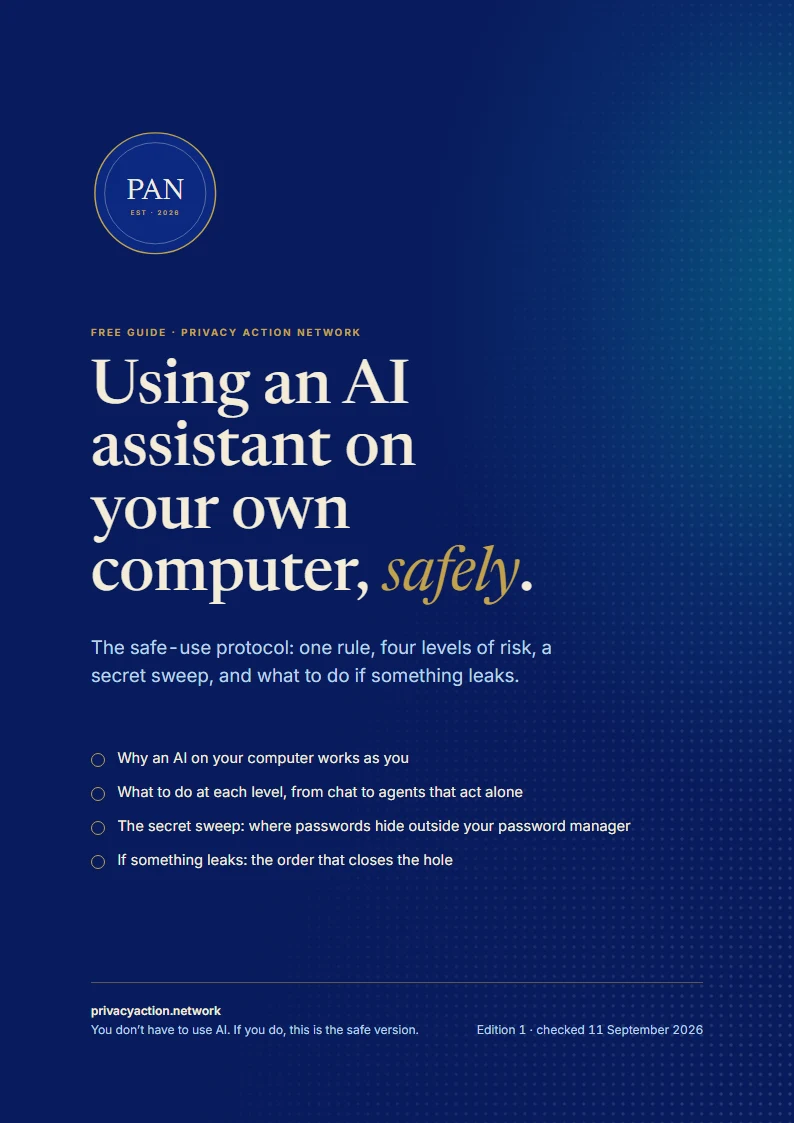
Free guide
Using AI already? Get the safe-use protocol.
A free guide to using AI assistants without handing over your secrets: one rule, four levels of risk, and exactly what to do at each.
- Why an AI on your computer works as you
- What to do at each level, from chat to agents that act alone
- A secret sweep, and what to do if something leaks
Email me a copy
The link, sent to your inbox to keep. One email, and nothing more unless you tick the box.
Good to know
Questions people ask
Something else on your mind? Ask it in the form below. Every enquiry gets a personal reply.
Do I have to use AI?
No. Plenty of people choose not to, and that’s a sound choice. If you do use it, the aim is to use it safely.
Do I need a powerful computer?
Not for safer use of cloud tools. For private AI on your own machine it depends on the model, and I’ll advise before you buy anything.
Can you set this up for my team?
Yes. Business work covers tool choice, a written policy, safe automations and training for your staff.
Which AI tools do you work with?
The common ones, such as ChatGPT, Microsoft Copilot, Google Gemini and Claude, plus open models you run yourself.
Let’s make AI safe to use.
Tell me how you use AI now, or how you’d like to. I’ll suggest the right starting point.