Free resources
Practical privacy, free to use.
Guides you can follow tonight, a live look at what websites can see, and the framework that ties it all together. The guides download straight away, with no email needed.
Everything here is free · no trackers · broken down step by step

Check
See where you stand.
Free tools that work in your browser. Your answers and ticks stay there, and nothing is sent unless you ask for your action list.

The privacy check
The light audit: a dozen quick questions, and an extended round if you want more. Where you stand, and your first steps.

Your digital footprint
What a stranger could find about you in ten minutes, and how to close each gap.

What every site can see
What your browser hands to every website, shown live on this page.
What every site can see
Before you click anything, a website can read all of this.
Your browser hands these over to every page you open. A tracker would send them off with each visit. Here they stay on your screen.
answers your browser handed to this page before you clicked anything. None of them left your screen.
Live · your browser, right now
- Language
- —
- Time zone
- —
- Screen
- —
- Pixel density
- —
- Processor cores
- —
- Device memory
- —
- Operating system
- —
- Browser
- —
- Touch screen
- —
- Dark mode
- —
- Do Not Track
- —
- Global Privacy Control
- —
Read by your browser and shown only to you. None of it was sent anywhere.
Do · free guides
Guides to keep, and follow.
Each one is a designed PDF. Download it straight away, or have the link emailed to you to keep. That email is the only one it sends, unless you tick the newsletter box.
Your First 5 Privacy Wins
A free guide to five changes that make a real difference, in about an hour, with free tools and no technical skills needed.
- A password manager, set up in 15 minutes
- Trackers blocked, phone permissions back in your hands
- Every step broken down, with a check for when it’s done
Email me a copy
The link, sent to your inbox to keep. One email, and nothing more unless you tick the box.
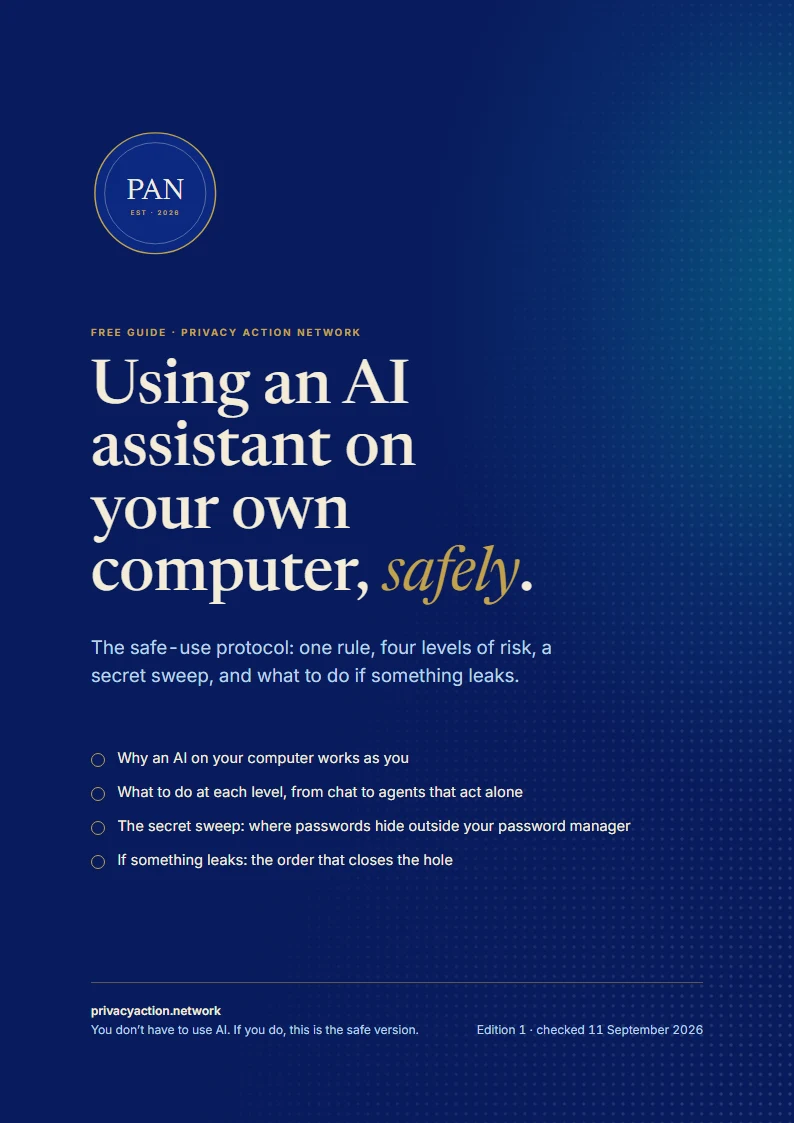
Using an AI assistant on your own computer
A free guide to using AI assistants without handing over your secrets: one rule, four levels of risk, and exactly what to do at each.
- Why an AI on your computer works as you
- What to do at each level, from chat to agents that act alone
- A secret sweep, and what to do if something leaks
Email me a copy
The link, sent to your inbox to keep. One email, and nothing more unless you tick the box.
Learn
Understand the why.
The framework behind every tool and guide here, and calm first steps for when something goes wrong.

The framework
Four questions that map your whole digital life, with moving explainers.

Something’s gone wrong?
First steps after a scam, a locked account, a lost device or a threat.
On the way
More guides and articles, checked against the current framework before they go up.
- Articles for each of the nine layers, broken down so they make sense
- Tool comparisons, and safer swaps for everyday apps
- More free tools like the privacy check, one for each layer
PAN is the digital half of this. Local Action Network is the other half: gatherings, skill shares and neighbours who know each other again. It is launching now.
Hear when they’re ready.
The occasional newsletter: practical privacy steps, and nothing else. Leave any time.
Want to go further? The framework course is on its way. Join the waiting list to hear when the founding places open.
Rather have a hand with it?
Every service starts with a short enquiry and a personal reply.