Secure devices, accounts & migrations
Your phone and accounts, locked down properly.
I go through your phone, computer and accounts with you, or for you. Settings tightened, passwords sorted, and your email and files moved somewhere private, without breaking the things you rely on.
Remote anywhere · on-site in Gippsland · no new subscriptions unless you want them
Why it matters
Out of the box, your devices are set up for someone else.
New phones and laptops arrive with ad tracking, location history and data sharing switched on, because that suits the companies that make them. Apps then ask for your microphone, contacts and photos, and most of us tap Allow to get on with the day.
None of this means you’ve done anything wrong. It means nobody has sat down and gone through the settings with you yet.
Sound familiar?
- Apps you’ve forgotten about still have access to your location.
- One password, or a few variations of it, opens most of your accounts.
- All your photos and documents live in one Google or Apple account.
- You’d move to private email if you knew nothing would get lost.
The good news: An afternoon with the right settings changes most of it, and the apps you rely on keep working.
What changes
Before and after a lock-down.
An example phone before and after a session, and why your email account comes first. The apps you use keep working.
- LocationAlways · 11 apps
- Microphone9 apps
- Camera8 apps
- Contacts14 apps
- PhotosAll photos · 12 apps
- Ad trackingOn
- Passwords3, reused everywhere
- Two-factor sign-inOff
- LocationMaps only · while using
- MicrophonePhone and Signal
- CameraCamera and Signal
- ContactsPhone and Signal
- PhotosSelected photos only
- Ad trackingOff
- PasswordsUnique · password manager
- Two-factor sign-inOn for email and banking
Why your email comes first
Your email is the master key.
Every “forgot password” link lands in your inbox. Whoever controls your email can reset almost everything else.
- Bank
- Shopping
- Social media
- Cloud photos
- Work tools
- Government services
So it gets locked first: a unique password, two-factor sign-in, and recovery codes stored somewhere safe.
How it works
A calm session, one step at a time.
Tell me what needs sorting
Tick what applies in the form below and I’ll reply with what’s involved.
We set a time
Most sessions take about two hours. A phone, a computer and all your accounts usually takes two or three.
We work through it together
On a screen share or in person. You see every change and why it’s made.
You leave with it working
Everything tested before we finish, with notes on what changed and how to keep it that way.
For the technically curious
Under the hood
The technical detail, for anyone who wants it.
Which password manager do you use?
For most people, Bitwarden: open source, independently audited, and it keeps every device in step for you. Your passwords are locked on your own device before anything is stored on its servers. If you’d rather nothing left your devices at all, KeePassXC keeps them in a file you hold. It’s what I use myself, and it takes more looking after, because the syncing and the backups are yours to do. If you already use a good one, we keep it. Your master password stays with you. I never see or store it.
Text codes, authenticator apps or passkeys?
Best first: passkeys or a hardware key, then an authenticator app, then text messages. Text codes are better than nothing, but a scammer who takes over your phone number (a SIM swap) can receive them. We set up the strongest option each account supports and store the recovery codes safely.
What changes on the phone?
Per-app access to location, microphone, camera, contacts, photos and Bluetooth; ad tracking and personalised ads; analytics sharing; what shows on the lock screen; backup and find-my-device settings. Nothing is rooted or jailbroken, and the operating system isn’t modified.
Why Proton Mail?
It’s based in Switzerland, encrypts stored mail so Proton can’t read it, encrypts end to end between Proton users, and has an import tool for Gmail and Outlook. Other private providers work too; we choose what suits you.
Could I get locked out?
Rarely, and the order is what prevents it. Recovery codes are saved first, every new sign-in is tested before we move on, and old accounts stay open until the new ones are proven.
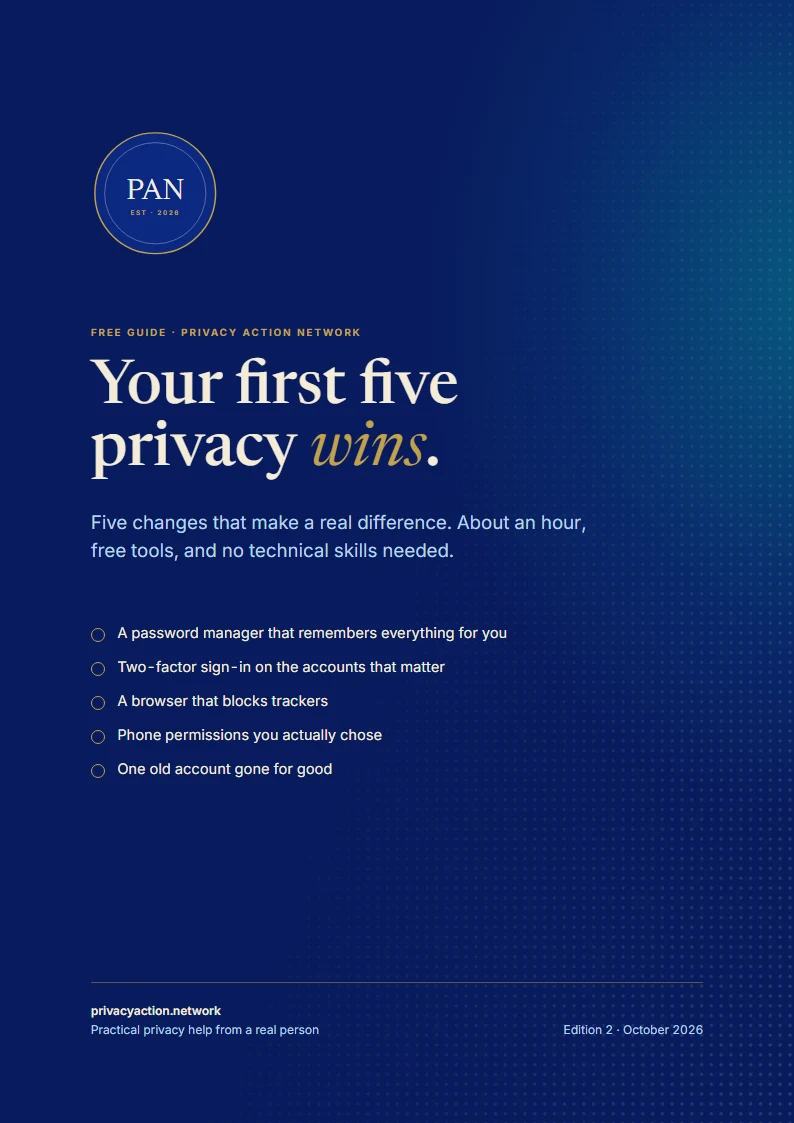
Free guide
Not ready to talk? Start with five quick wins.
A free guide to five changes that make a real difference, in about an hour, with free tools and no technical skills needed.
- A password manager, set up in 15 minutes
- Trackers blocked, phone permissions back in your hands
- Every step broken down, with a check for when it’s done
Email me a copy
The link, sent to your inbox to keep. One email, and nothing more unless you tick the box.
Good to know
Questions people ask
Something else on your mind? Ask it in the form below. Every enquiry gets a personal reply.
Will this break my phone or computer?
No. We change settings and swap apps; we don’t modify the operating system. Everything keeps working, and shares less.
Do I need to buy anything?
Usually not. Most of the tools are free and open source. If a paid option is worth it, like extra Proton storage, I’ll explain why and you decide.
What about the rest of my family?
Family sessions are common. Tell me how many people in the form and I’ll suggest the best way to do it.
Can you do it remotely?
Yes, over a secure screen share. On-site sessions are available in Gippsland.
Let’s lock it down properly.
Tick what needs sorting and I’ll tell you what’s involved. No obligation.